
Every item photographed, labelled and scannable. Your crew points a phone at the shelf, types how many they are taking, and the count is right — no clipboards, no guesswork, no discovering you are out of filters on a Friday afternoon.
No credit card · Free plan forever · Works on any phone, tablet, or computer
Everything here exists to answer four questions: what is on the shelf, who took it, what is running out, and what did it cost.
Start from a ready-made layout — plumbing, electrical, HVAC, turnover supplies — or build your own folders. Every item carries a photo, quantity, unit, minimum level, price and its own scannable code, so anyone can find it, count it and know when it needs reordering.

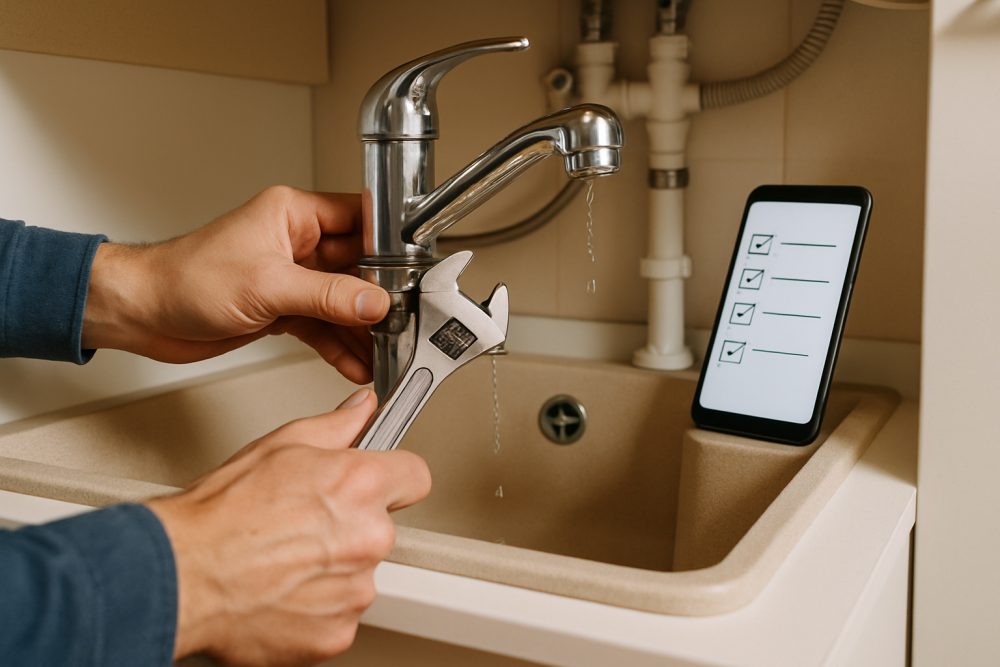
Pick "taking out" or "putting in" once, then scan. The item comes up with its photo and what is on the shelf; you tap a number and confirm. The count updates, the movement is logged against your name, and the camera is ready for the next label. A full restock run never leaves the scanner.
Photograph the supply-house receipt and the line items are read off it, matched to what you already stock, and added back to the shelf — quantities and prices included. Quotes work the same way, parked as an expected delivery until the truck actually shows up.
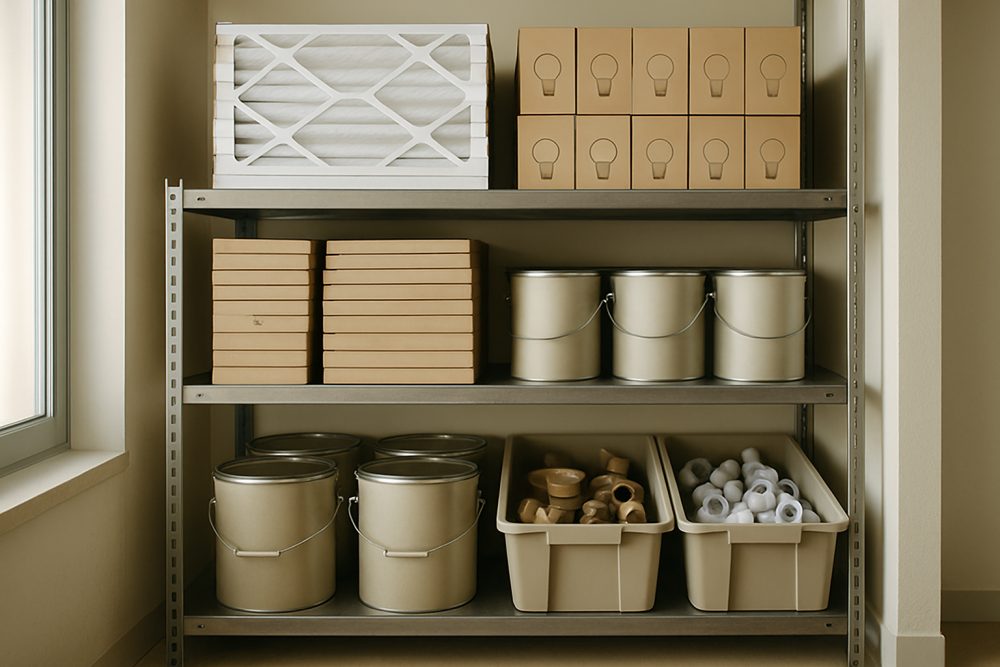
Give any item a minimum level and the shelf watches itself through every scan, pull and delivery. When a job needs a part you haven't got, it waits — and the moment the stock lands, whoever is on the job gets told it's ready to pull.

Filters, fittings, bulbs and fixings — counted by whoever grabs them, not by a monthly stock-take.

What each van carries, topped up from the main shelf and scanned back in at the end of the day.

Paper, chemicals, lamps and spares, with minimum levels that reorder before the cupboard is bare.

Tools and consumables with serials, warranties and a record of who has what.
Point, type how many, confirm. The whole run without leaving the camera.
Parts pulled for a job come off the shelf; short ones wait, then alert you.
Every item gets its own code, printed one at a time or a sheet at once.
Category trees for plumbing, electrical, HVAC and turnover supplies.
Parts pulled for a job come off the shelf; short ones wait and then alert you.
Per-item minimums with in-app and email notifications.
QR and product barcodes in the browser — no app install.
Single labels or full sheets for shelves and bins.
Spend by location and category, parts consumed, stock in and out.
Photograph a receipt and the line items land back on the shelf.
Owner, admin, member, viewer — invited by email in seconds.
Every adjustment, status change and part, with who and when.
Label your first shelf tonight; have the whole store room counted by the weekend.
A spreadsheet only tells the truth right after someone updates it, and nobody updates it while holding a box. Here the count changes at the shelf, in five seconds, from the phone already in their hand — and every movement carries a name, a time and a photo of the thing that moved.
The scanner needs a connection to record a movement, so a dead spot means waiting or typing the code in later. Everything else — labels, photos, minimum levels — is set up in advance from anywhere.
No. The camera in any phone reads both the labels we print and the maker's own barcodes. If you already own a USB or Bluetooth laser scanner it works too — the labels are standard Code 128.
Yes — invite them by email. Owners and admins run the store room, members scan stock in and out, and viewers get read-only access. Every movement is logged against the person who made it, so a count that looks wrong can always be traced.
Set a minimum level on any item. The moment stock dips below it — from a scan, a job or a delivery — an alert appears in-app and the owner gets an email. If a job needs a part you haven't got, the job waits and everyone gets told the day it arrives.
No. Import it as CSV in one upload — names, folders, quantities, prices, SKUs, barcodes and minimum levels all come across, and you can export everything back out any time. Your data is never locked in.
